
To view badges that have been awarded to you, log into the Evals Hub. The badge icon will appear in the far right side of the main menu as shown below.
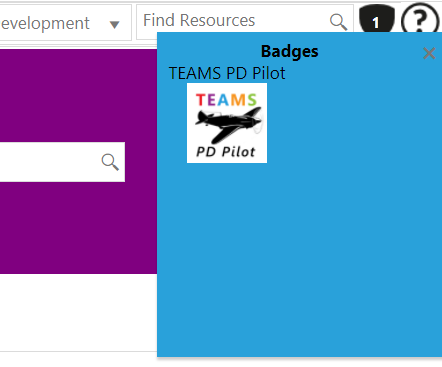
Hover your cursor over the badge icon to view all badges that have been awarded to you, as depicted below.
Comments
0 comments
Article is closed for comments.